
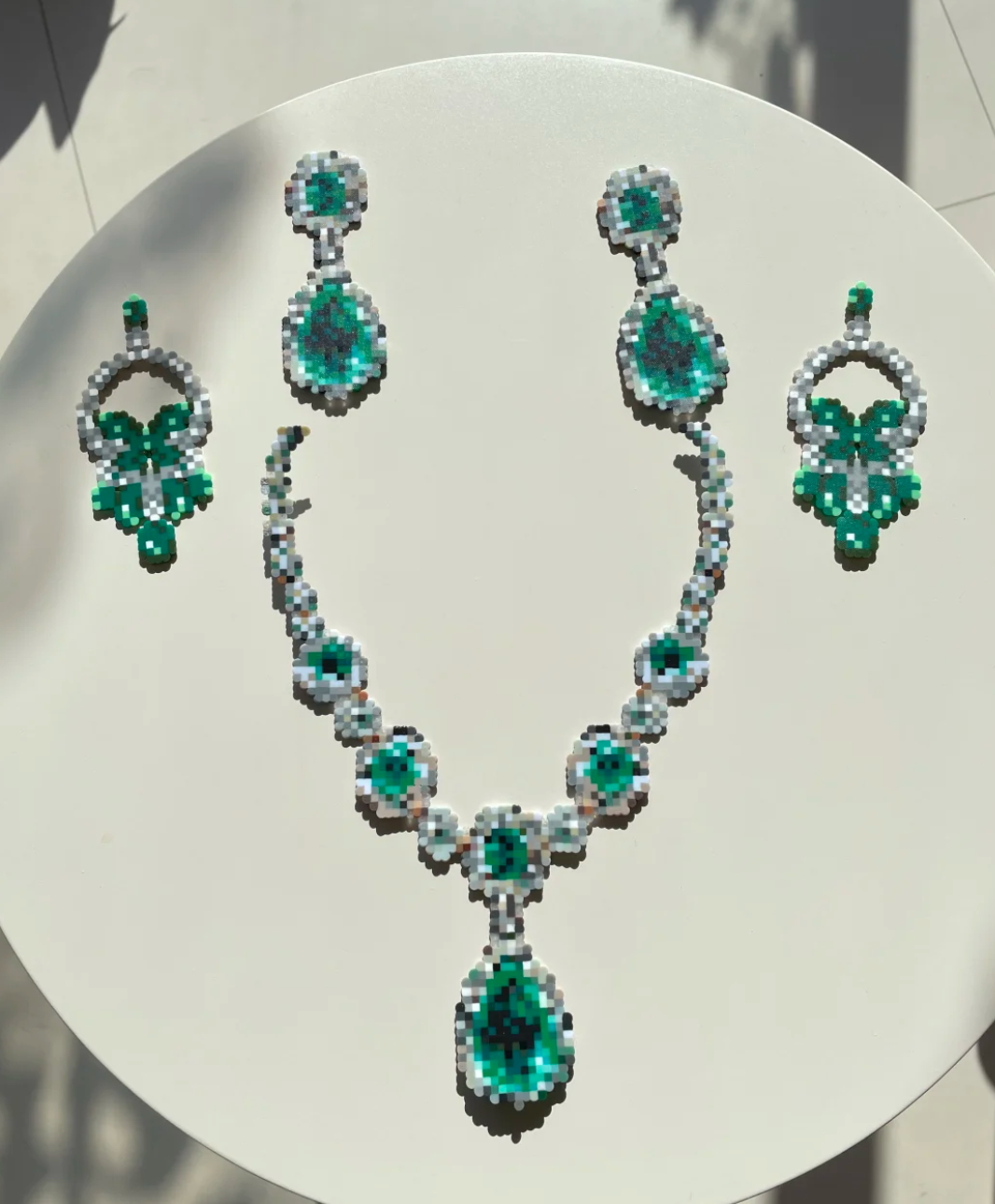
Create custom, colorful earrings using mini beads – no heavy materials required.
Fuse bead earrings are one of the cutest and most accessible ways to dip into wearable art. They're lightweight, affordable, and completely customizable. In this guide, I'll show you exactly how to turn any photo or idea into a pair of sparkling earrings using Pixel-Pattern, mini beads, and a simple finishing trick – glitter paper.
Step 1: Turn Your Photo or Idea into a Bead Pattern
The easiest way to design pixel-perfect earrings is to use Pixel-Pattern. This free tool converts any image into a fuse bead pattern automatically.
How to do it:
Go to Pixel-Pattern.
Click Upload Image and choose any photo or drawing you like.
For earrings, simple shapes work best – a star, a heart, a fruit, or a small animal face.Set your bead size to 2.6mm mini beads (since earrings need to be small and light).
Adjust the width to around 15–25 pegs – this is the perfect size for earrings.
The site will generate a color-coded grid pattern. You can also see a color list showing exactly which bead colors you need.
Download or screenshot the pattern.
💡 Pro tip: If you want a pair of matching earrings, just flip the pattern horizontally for the second one, or keep them identical – both look great.
Step 2: Gather Your Tools & Materials
Here's everything you'll need:
| Tool / Material | Why You Need It |
|---|---|
| 2.6mm mini fuse beads | Smaller than standard 5mm beads – perfect for lightweight earrings |
| Small pegboard (52 pegs or smaller) | A compact board is easier to handle for earring-sized projects |
| Bead tweezer or bead pen | Helps place beads quickly and accurately |
| Iron & parchment paper | To melt the beads together |
| Jump rings & earring hooks | For turning your bead piece into actual earrings |
| Glitter paper (optional) | To add sparkle on the surface |
| Small pliers | To open and close jump rings |
📦 Most of these items are available in my Shopify store – including mini beads, small pegboards, and jewelry findings.
Step 3: Create Your Bead Earring
Now comes the fun part – building your earring!
Instructions:
Place your pegboard on a flat, stable surface.
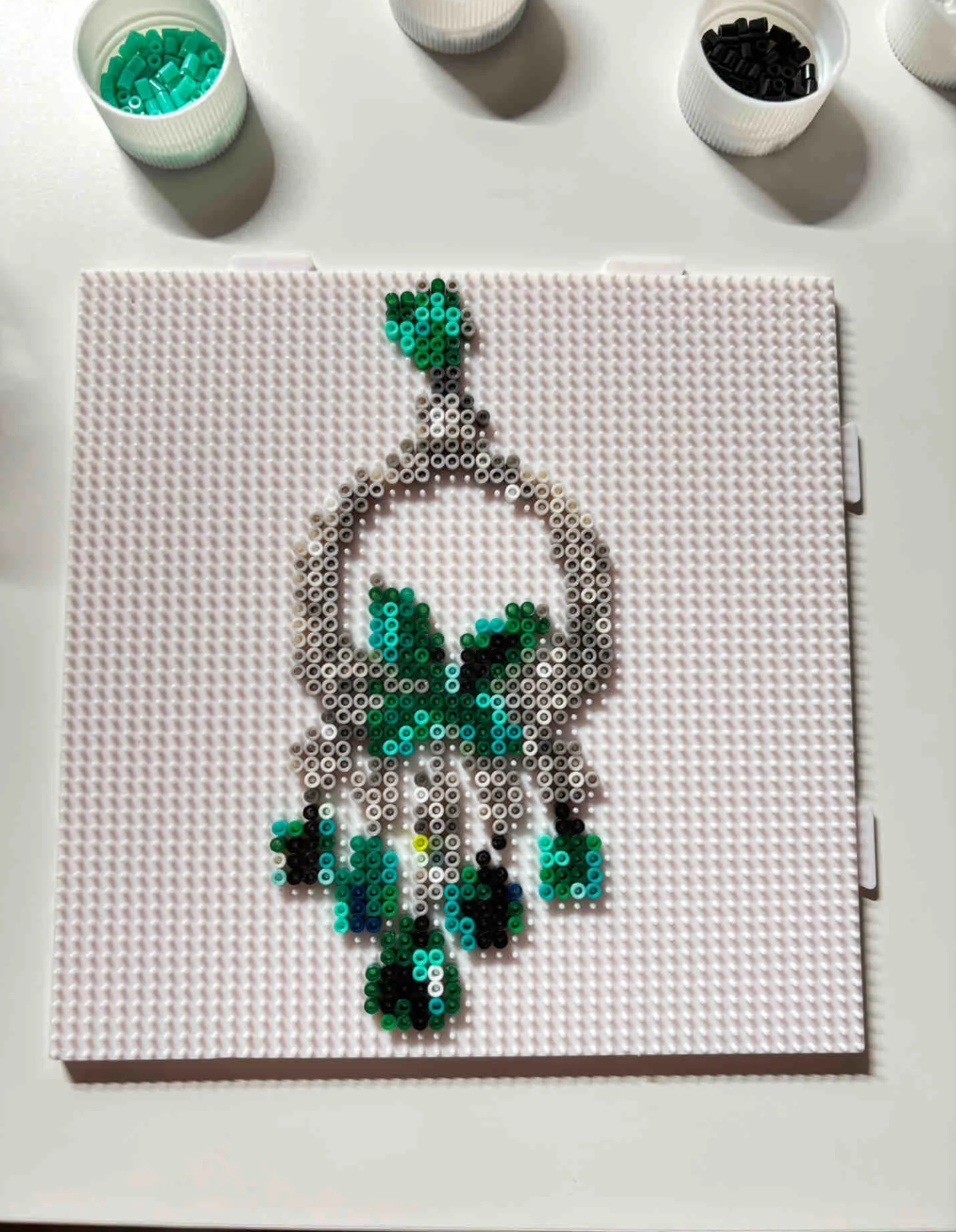
Follow your Pixel-Pattern grid and start placing beads one by one.
If you're using a tweezer or bead pen, work from one corner to the opposite corner to avoid bumping already-placed beads.Make two identical pieces (one for the left ear, one for the right).
You can either:Build them one after the other on the same board, or
Use two small pegboards at the same time.
Double-check your pattern – are all beads in the right spots? Missing a peg can cause a hole after ironing.
Cover with parchment paper and iron at medium heat using small circular motions.
For earrings, a partial melt (beads still open in the center) looks prettier than a fully flat melt.Let cool completely before peeling off the paper.
Step 4: Add Extra Sparkle with Glitter Paper
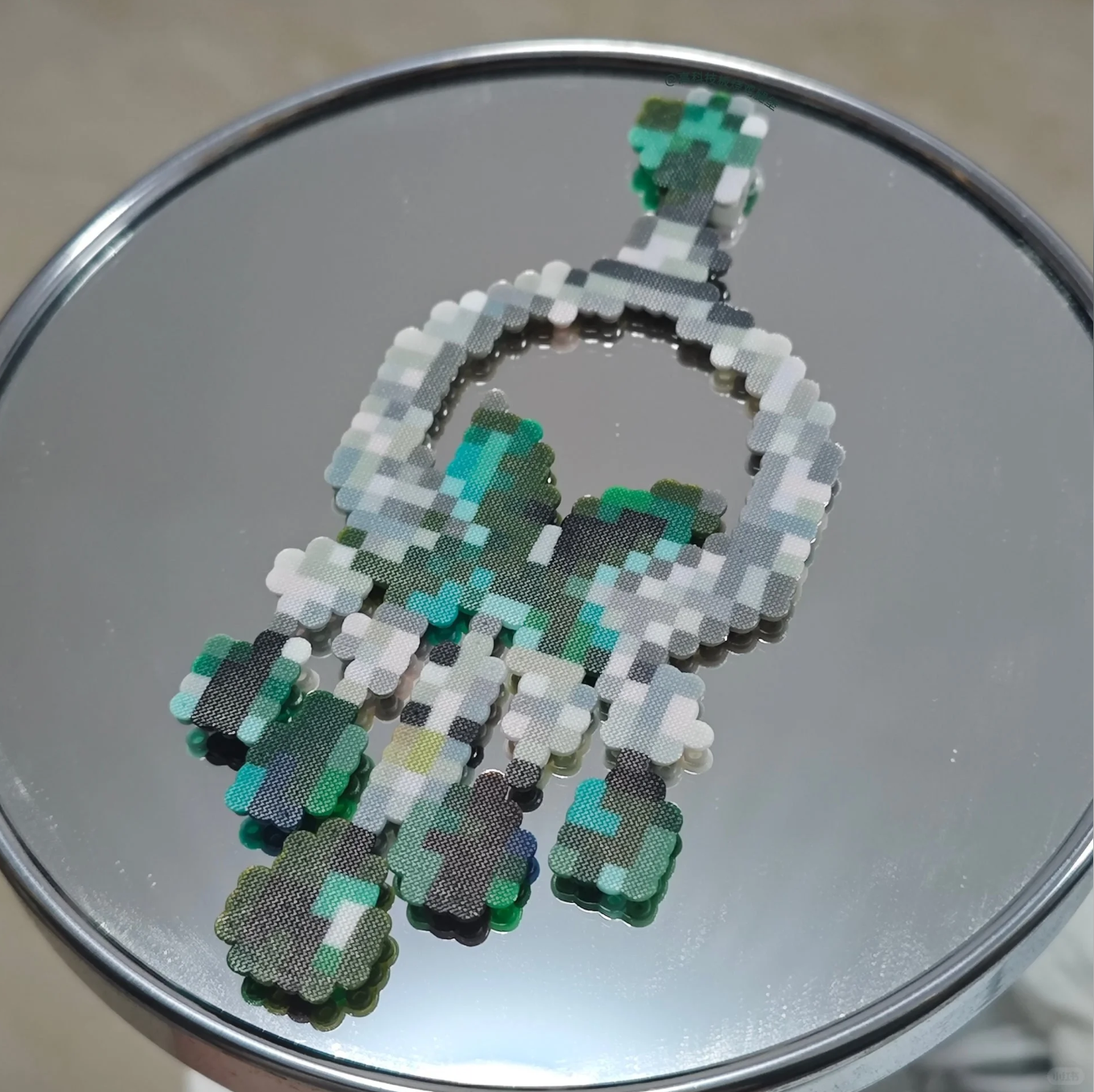
Want your earrings to really shine? Glitter paper is the secret trick.
How to apply glitter paper:
Cut a piece of glitter paper slightly smaller than your earring.
Apply a thin layer of glue (tacky glue or mod podge works well) to the back of the earring.
Press the glitter paper onto the glued side.
Trim any excess paper with small scissors.
Let dry completely before adding earring hardware.
✨ The glitter paper catches the light and gives your earrings a jewel-like effect – perfect for parties, gifts, or just feeling a little extra every day.
Step 5: Turn Your Bead Piece into Earrings
This is the final step to make your creation actually wearable.
What to do:
Find a good spot on the earring to attach a jump ring.
If your design doesn't have a natural hole, you can leave one peg empty during the beading stage, or glue the jump ring to the back.Open a jump ring using small pliers (twist sideways – don't pull apart).
Thread it through the top peg or hole of your bead earring.
Add your earring hook (fishhook, leverback, or clip-on – whatever you prefer).
Close the jump ring securely.
Repeat for the second earring.
Bonus Tips for Perfect Bead Earrings
| Problem | Solution |
|---|---|
| Earrings feel heavy | Use fewer beads by choosing a smaller pattern or using a hollow fill (only outline + a few inner beads) |
| Beads fall off during ironing | Iron on a lower heat, or use the tape method to flip the piece before ironing |
| Edges look messy | After ironing, while still warm, press the edges down with a flat tool |
| Earrings keep flipping over | Use a jump ring on the top peg and another on a side peg for balanced hanging |
Where to Find More Earring Patterns?
You can use Pixel-Pattern to create patterns from:
Your own doodles
Clip art or icons
Small emojis
Photos of your pet (simple outlines work best)
Or simply browse Pinterest for "pixel art earrings" – then upload the image to Pixel-Pattern to generate a bead grid.
Final Thoughts
Fuse bead earrings are a fantastic way to combine crafting with fashion. They're quick, cheap, and so much fun to design. Plus, with Pixel-Pattern, anyone can turn an idea into a real pattern in under a minute.
If you want your earrings to truly stand out, don't skip the glitter paper step – it adds a professional, eye-catching shine that makes your work look like it came from a boutique.
👉 Ready to start? Check out my Shopify store for mini beads, small pegboards, earring hooks, and everything you need to make your first pair of bead earrings.